Shared tools / Data logging & photos
Every run leaves
something to learn.
ROVER LOGGING / ECOSYSTEM DIRECTIONRecord rover telemetry and events, store captured photos, and retrieve the results over Wi-Fi. When an event triggers a photo, its event-log entry includes a link to the associated image—connecting what happened with what the rover saw. The same approach is part of the vision for the wider Recon ecosystem.
- 01 / RECORD
microSD storage
Keep telemetry and event logs on onboard microSD cards, and retain captured photos for review after field work.
- 02 / RETRIEVE
Wi-Fi access
Use the Wi-Fi link to retrieve recorded logs and stored photos on a phone or computer.
- 03 / REVIEW
CSV logs & linked photos
Download rover telemetry and event CSV files for analysis. For events that triggered a photo, follow the associated photo link from the event log to retrieve the image.
Telemetry: what the rover reported
Review the measurements recorded during operation. Available fields depend on the sensors and firmware in use.
Events: what happened along the way
Review recorded events alongside telemetry to understand the sequence of a test or mission. Events that triggered a photo include an associated photo link; events without a capture do not imply an image is available.
Photo storage & retrieval
Captured images remain available for later retrieval over the Wi-Fi connection. Start with a photo-triggering event in the log, follow its associated photo link, and retrieve the stored image to review the scene alongside the recorded event.
Keep downloaded photos with the telemetry and event CSV files when reviewing or archiving a run.
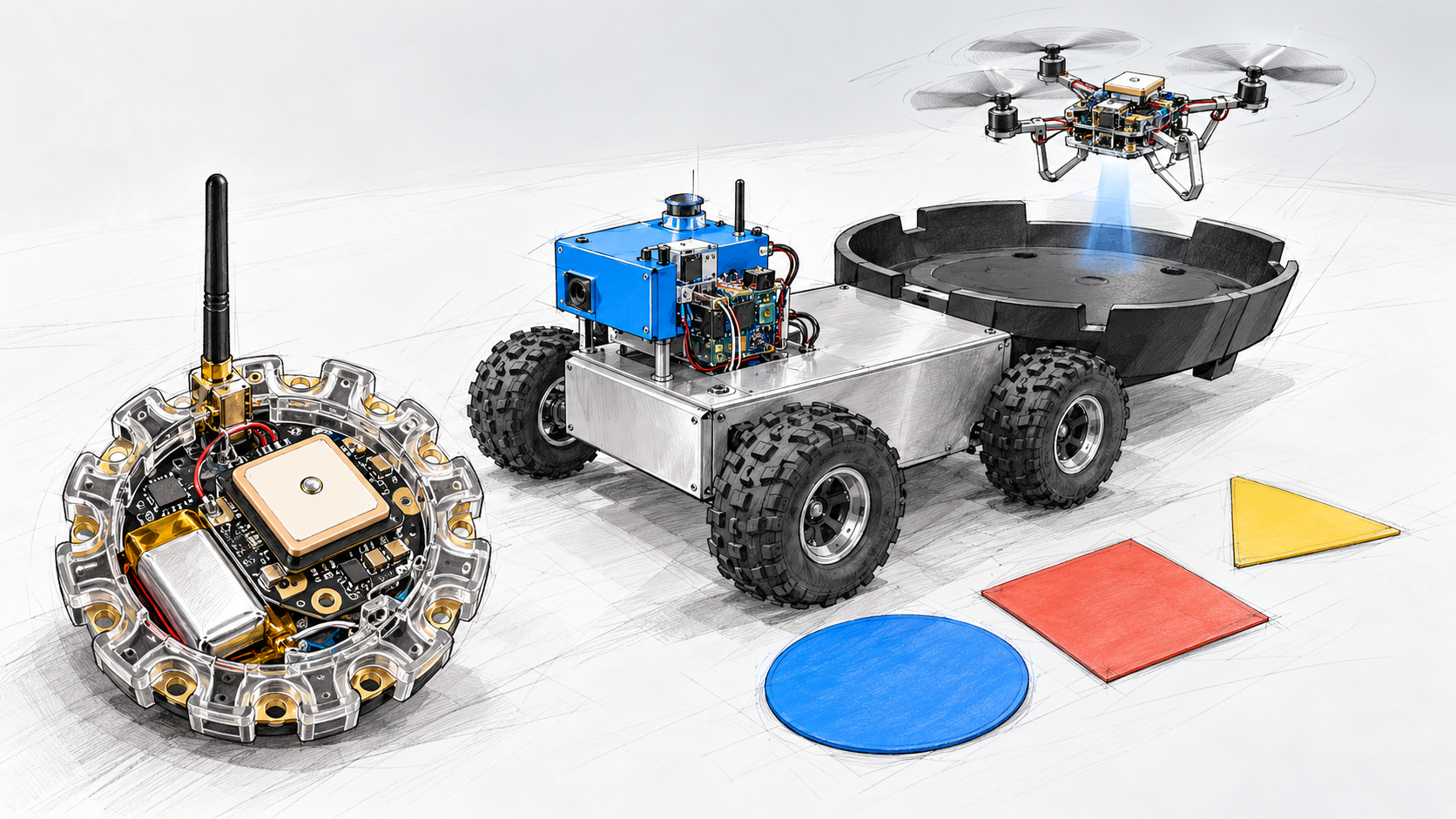
Across the ecosystem: extend the recording-and-review approach, including photo associations where a platform supports capture, to the quadcopter, beacons, and coordinated missions as those integrations develop. Shared timestamps, combined exports, and cross-platform log formats are research directions—not claimed finished features.